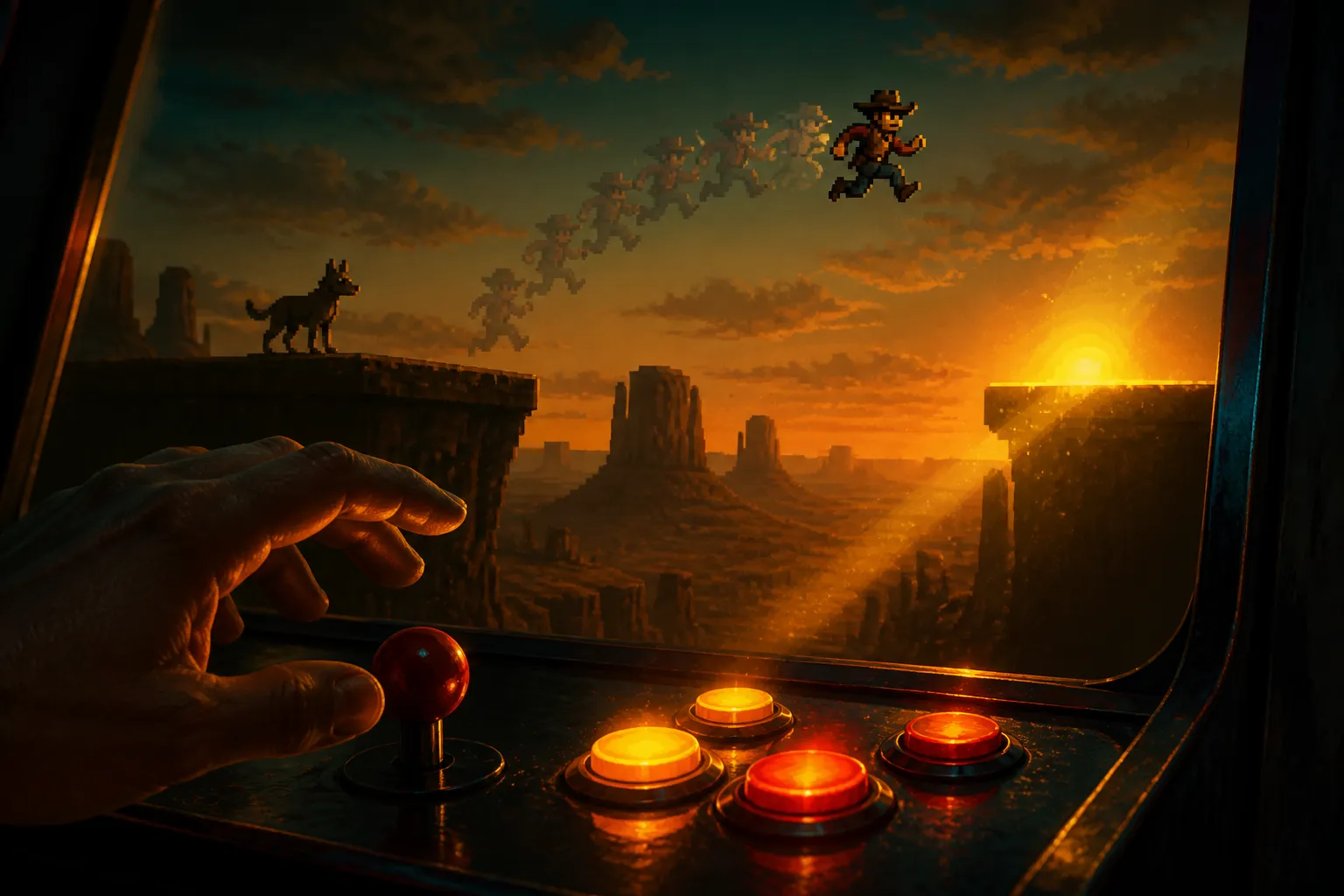
Players do not press buttons when the manual says. They press early, late, and in a panic. A good platformer absorbs that. A bad one makes the player feel cheated.
What the two windows do
Input buffering holds on to a jump press for a short time. If the player taps the button a hair before landing, the game remembers the press and fires the jump the moment the feet touch down. Without it, the press evaporates and the character just stands there.
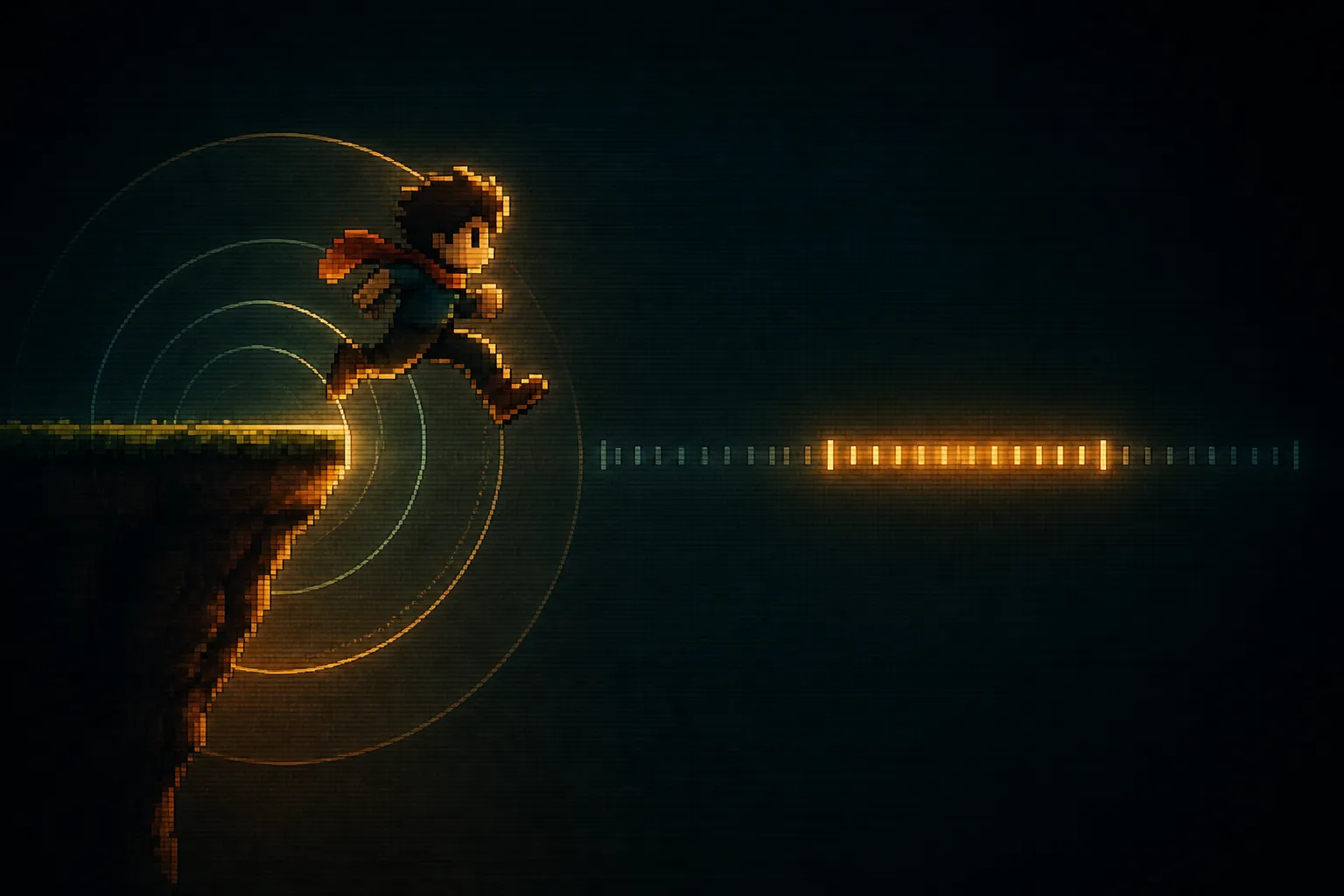
Coyote time works the other way around. The character steps off a ledge, and the game still treats them as grounded for a brief grace period. A jump pressed just after the edge still works. The primer does not explain where the name comes from, so this piece will not guess.
According to the primer, the two together make 2D controls feel responsive without making the game easy in a cheap way. Players rarely notice either one. They notice the absence at once.
Why players need the forgiveness
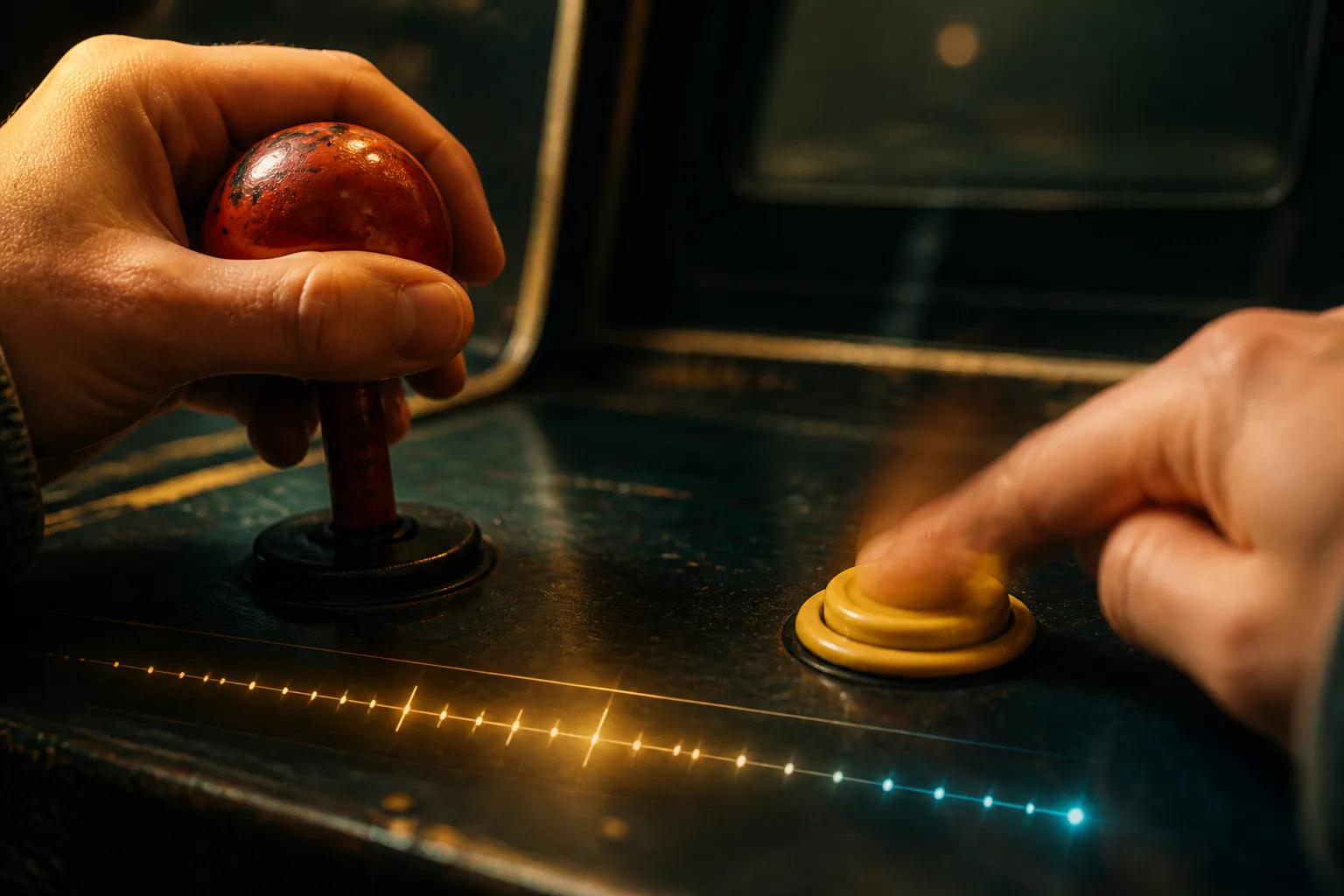
Nobody presses on the exact frame the code expects. People press slightly before the ground and slightly after the edge. Their timing wobbles more when the screen is busy. The primer says reaction timing varies, especially under visual intensity.
A strict frame check reads that mess literally. The player meant to jump, the game decided otherwise, and the player blames the game. The two windows translate intent into the action the player was reaching for. The challenge stays in the level design, where the designer put it, and not in a one-frame test of finger timing.
Typical values and a worked example
The numbers are small. Coyote time usually sits between 80 and 140 milliseconds, with 100 as a sensible start. Input buffering runs from 80 to 150 milliseconds, with 120 as the suggested opening value. The Godot 4 example in the primer uses COYOTE_TIME = 0.10 and JUMP_BUFFER = 0.12 seconds.
Those are seconds, and most games think in frames, so convert. At 60 frames per second, one frame lasts about 16.7 milliseconds. A 100 ms coyote window is roughly 6 frames. A 120 ms buffer is roughly 7 frames. That is simple arithmetic, not a figure from the primer.
Now run a case. The player presses jump 5 frames before touching down. That is about 83 ms, inside a 120 ms buffer. The game stores the press, the character lands, and the jump fires on contact. Press 9 frames early, about 150 ms, and the press expires. The character lands and stays put. That is the intended result, because a press that early was probably not meant for this landing.
Coyote time follows the same logic. Walk off a ledge and press jump 4 frames later, about 67 ms. The grounded timer is still inside its window, so the jump works. Press 10 frames later and the window has closed. Treat the primer values as a first guess. Adjust them by the pace of the game.
How the logic works in practice
The system tracks two timers: time since the character was last grounded, and time since the jump was last pressed. A jump fires when both are inside their windows and the jump is otherwise allowed, meaning no hard lockout is in play.
In Godot, both timers tick up every physics step in _physics_process. The grounded timer resets whenever is_on_floor() is true. The jump timer resets when the jump action is freshly pressed.
When a jump succeeds, consume the buffered press and reset the relevant timers. Skip that step and one tap can trigger two jumps, one from the stored press and one from the live coyote window. That bug is easy to miss in a quick test and obvious to a player.
Priority between jump, wall jump, and dash
The primer gives one instruction here: if the movement stack also supports wall jump or dash cancel, set an explicit priority order so jump buffering does not trigger the wrong move. It does not say what the order should be. The rest of this section is editorial suggestion, not sourced guidance.
One reasonable approach is to decide the order on paper before writing code. Questions worth answering:
- If a buffered jump is waiting and the character touches a wall first, does the wall jump win or the ground jump?
- Can a stored jump press cancel a dash in progress?
- Does a successful wall jump consume the same buffer as a ground jump?
Whatever the answers, write them down and test each pair. A buffered press that fires the wrong move feels worse than no buffer at all, because the player can see the game ignored their intent.
Choosing windows for different games
Use the ranges as a baseline. The primer says fast precision platformers suit slightly shorter windows, which keep the controls crisp. Heavier action platformers suit slightly longer ones, which make the movement forgiving.
The red flag is easy to spot. If the jump button does nothing at a ledge edge, the tolerance is probably too strict, and the game is harder than the designer meant. Players will not say "coyote time." They will say it feels off.
Limits of the available guidance
The primer says little beyond the fast versus heavy split. It does not cover how these windows feel in playtesting or how to measure that. Its Unity pattern is cut off, so there is no Unity code here, and the test checklist it mentions did not come through. Two Wayline articles on the topic returned only page chrome, so nothing from them is used.
Quick recap
Sources

Marguerite Osei is a house writer for GamesUnlimited covering classic arcade cabinets, pinball, and the hardware that keeps them running. She spent two decades repairing machines in family arcades before she started writing about them. Her reviews weigh how a game plays against how well it holds up to a thousand quarters.