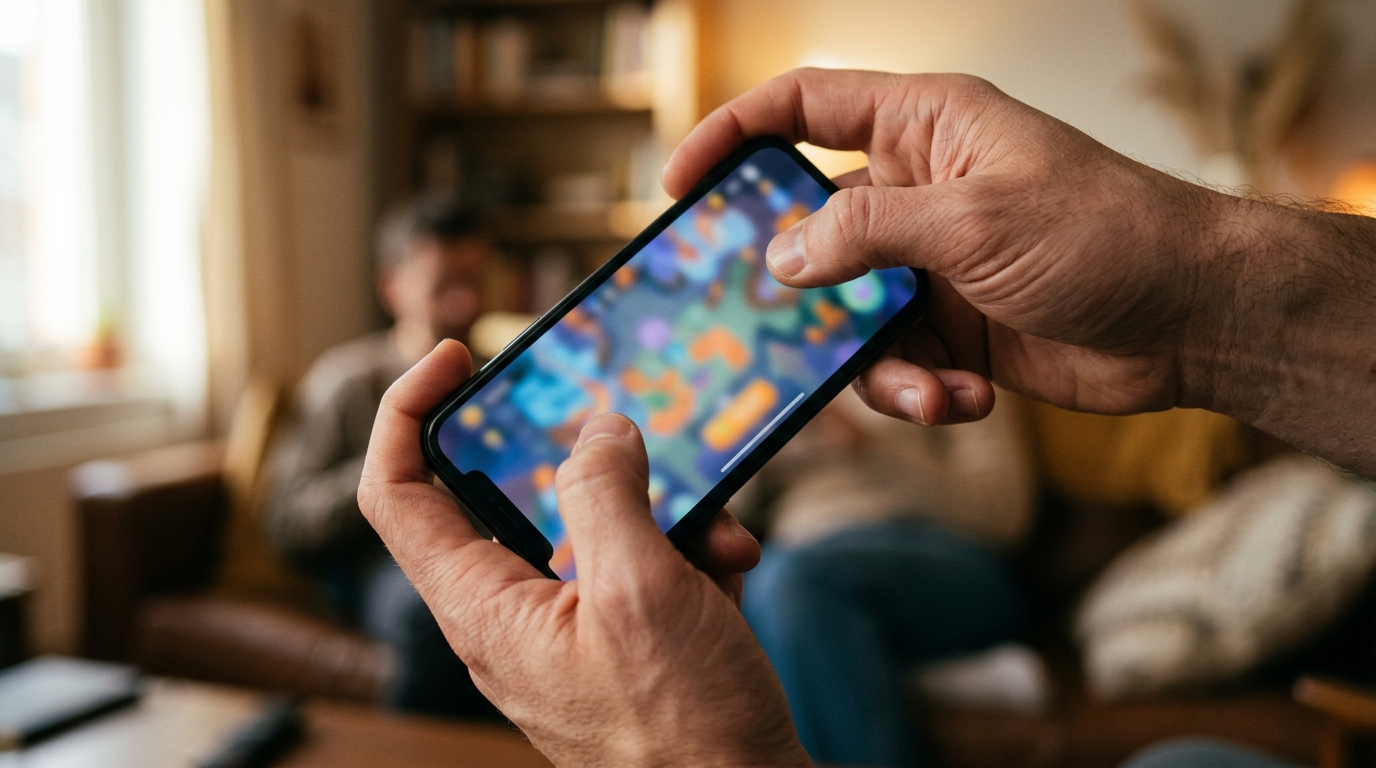
The phone is already in your hand, upright, thumb resting near the bottom edge. A browser game opens and asks you to turn it sideways. You pause. That small movement is the first control the game has given you, and it can decide whether the next five minutes feel natural or fussy. There is no universally easier orientation. The useful test is whether the screen shape fits the game’s main action and the way you are holding the device.
Orientation is part of the controls
Orientation can look like a presentation choice, something to settle after the game is already designed. In practice, it shapes what the player can see and where their fingers can reach. A wide screen gives a game room to spread out. An upright screen keeps the play area tall and easy to hold in one hand. Those choices affect the interface as much as the artwork.
Picture a browser game that puts movement under one thumb and an action button under the other. If those controls sit far apart, turning the phone sideways may bring them within comfortable reach. A game built around one-finger taps has a different problem. Asking the player to rotate the phone can add a step before every session, even if the game itself only needs a tap to begin.
Developers can also guide or restrict orientation with browser features, though behavior can vary across browsers and devices. Creative Bloq’s guide to screen orientation in HTML5 covers the implementation side. From the player’s side, the key question is simpler: does the game make the requested position feel worthwhile once play starts?
When landscape earns the turn
Landscape tends to help when the game asks you to read space from left to right. A side-scrolling platformer needs room to show what is ahead. A racing game benefits from a broad view of the track. In a two-thumb action game, the wider grip can leave one thumb for movement and the other for jumping, firing, or confirming an action.
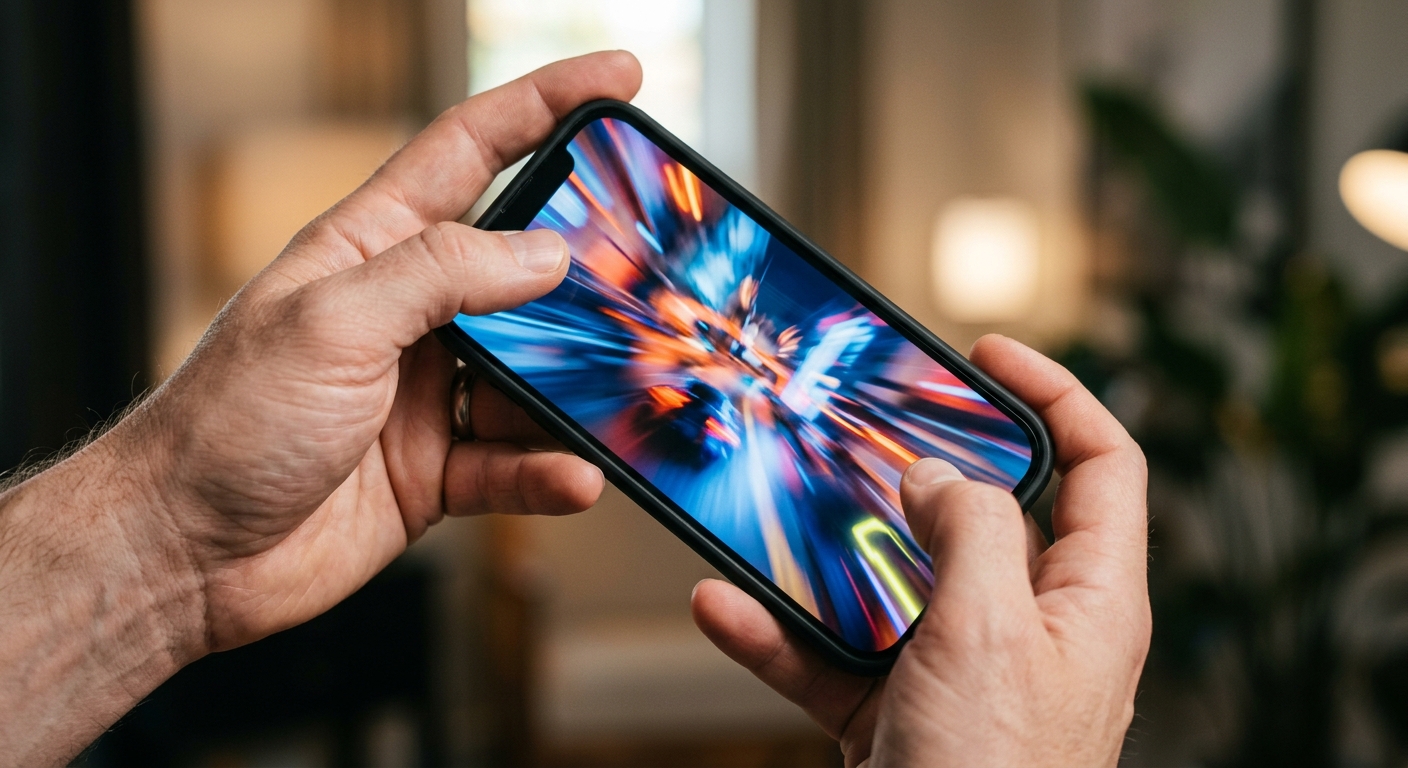
That grip has a clear feel. Both hands support the phone, and the thumbs work from the lower corners. The arrangement can make repeated movement and button presses less cramped than trying to perform the same actions while holding the device upright. It is not automatically comfortable for every player, but it matches games that require frequent input from both sides of the screen.
Landscape also fits a laptop or desktop display without asking for a physical adjustment. A game can use extra width for a map, status information, or a wider play area. On a phone, though, the wider view comes with a trade: both hands are occupied, and a short session now begins with a rotation. If the game only needs occasional taps, that can feel like unnecessary setup.
In a discussion about landscape or portrait for HTML5 games, developers consider the choice in relation to the game being made, rather than as a universal rule. That is the practical distinction. A wide view is useful when the action uses it. Width by itself does not make a game easier.
When portrait keeps play within reach
Portrait is the position many people are already using when they open a link on their phone. They can keep one hand around the device and tap with a thumb. For a quick puzzle, a card game, or a game built around menus and text, that familiarity can get the player into the first move faster. The screen’s tall shape also suits content arranged in a vertical sequence.
Try a simple session log: open the game, make a move, answer a message, return to the game. If the game still fits comfortably in one hand, portrait has protected the rhythm of the session. If the player has to stretch for controls at the top of the screen or cover important information with a thumb, the upright layout may be working against them.
A narrower view can be a design tool, too. A falling-block puzzle does not need a horizon stretching across the screen. A vertically arranged board can keep the next move easy to read. A corridor or compact room can feel focused when the game does not show a wide field beyond the action. That focus only helps when the player can still see the information needed to decide what to do.
A 2025 roundup of mobile browser games discusses the appeal of games that can be played directly on a phone, including casual options. Its context is mobile convenience, not a controlled comparison of orientations, but convenience matters here: a format that starts quickly can be a better fit for a brief, one-handed session.
Make the choice from the input outward
Start by naming the most common action. Is the player steering and pressing another button at the same time? Landscape may give those inputs better separation. Are they tapping a card, swiping a piece, or reading a vertical sequence? Portrait may keep the game closer to the hand’s natural position. Then check what the player needs to see at the moment that action happens.
Test the game on an actual phone, not only in a desktop preview. Hold it as a player would. Try the first level one-handed, then with both thumbs. Notice whether a finger hides a target, whether the controls feel too close together, and how often the player has to adjust their grip. Repeat the test after turning the device. A layout that looks balanced in a screenshot can feel awkward after ten rapid taps.
For a game intended to work in both orientations, the interface needs to respond as carefully as the screen does. Controls should stay reachable, and essential information should remain visible. If a game requires a fixed orientation, it should make that reason apparent rather than surprising the player at launch. The browser environment adds variation, so orientation changes and any restrictions should be checked across the devices the game expects to support.
So which orientation makes a GamesUnlimited browser game easier to play? Landscape wins when the game relies on a broad view or coordinated two-thumb control. Portrait wins when quick access, one-handed reach, or a vertical flow is central to play. The useful measure is not which screen shape looks more like a game. It is what your hands do in the first minute. When you open your next game, does turning the phone help you play, or only get in the way?
Sources

He is a house writer for GamesUnlimited. He covers co-op campaigns, controller design, and player rituals through reports from launch nights and living rooms.