Every peripheral review I have read in the last five years will tell you how a joystick's gate feels under the thumb, whether the cord braiding holds up, and exactly how many hours the battery lasts on a single charge. Not one of them will tell you how often the stick actually talks to your computer. That number is called the polling rate, and the silence around it is doing real damage to how players understand their own hardware.
What Polling Rate Actually Means for a Joystick
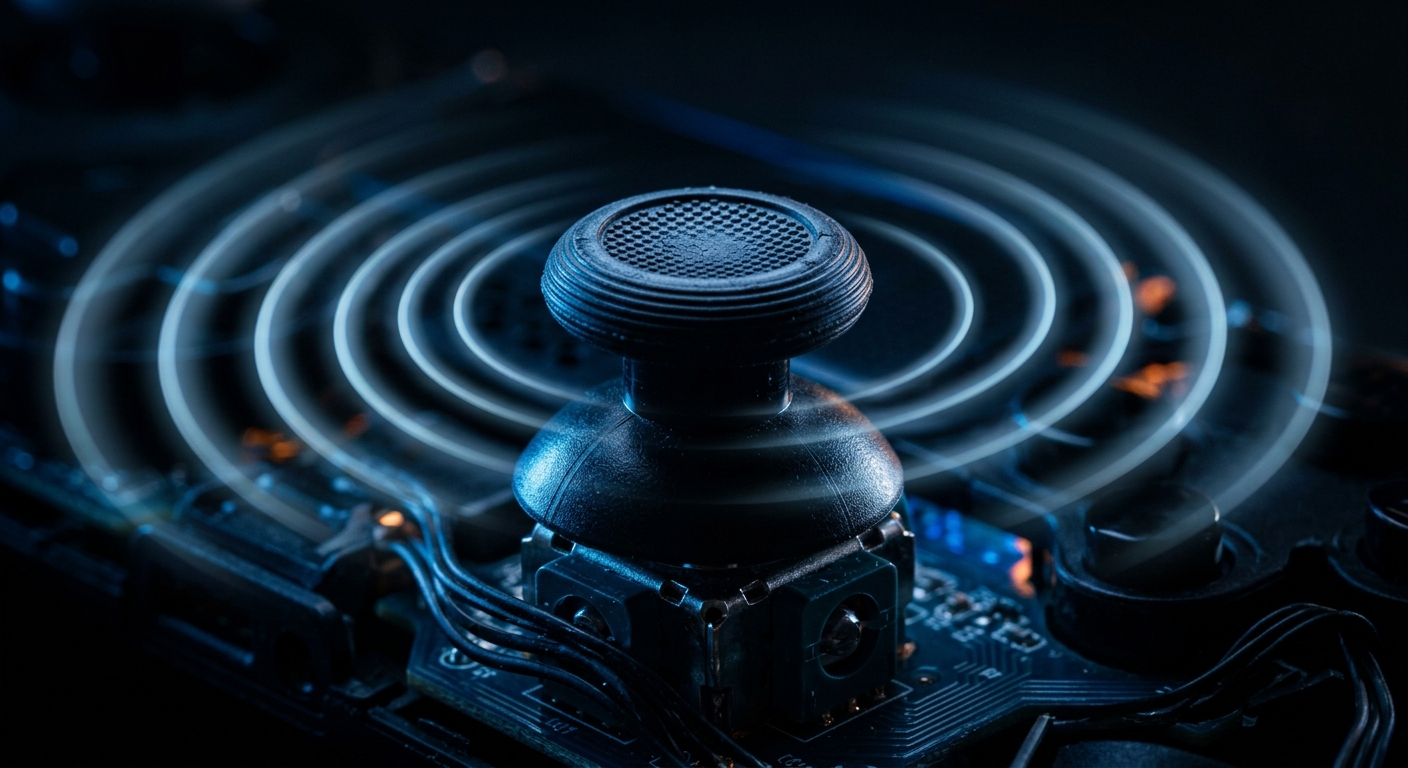
Polling rate is the frequency at which a controller reports its current state to the host device, measured in hertz. A controller rated at 125 Hz checks in with your PC exactly 125 times per second. That sounds quick until you do the math: it leaves an 8-millisecond window between each report during which any input you made simply does not exist yet. The stick moved. The game does not know.
For mice, this number sits in bold on every spec sheet. Mouse manufacturers compete on it openly, with some products now advertising 8,000 Hz rates. Joysticks and gamepads are routinely sold with no polling-rate disclosure at all, even though the same physics apply. A stick held at a diagonal during that gap produces a positional reading that is already stale the moment it is finally transmitted.
The analog nature of a joystick axis makes the problem more nuanced than a binary mouse click. The value being sampled is continuous. Any movement occurring between polls is not averaged or interpolated by default; it is simply missed. Fast flicks and micro-corrections suffer disproportionately compared to slow, sustained pushes. The players making the most precise movements get the least accurate readings. That is a strange design outcome for hardware marketed toward precision play.
Why the Peripheral Press Keeps Ignoring It
Reviewing a gamepad has settled into a comfortable checklist: grip texture, trigger resistance, wireless range, battery longevity, and maybe a brief mention of vibration motors. Polling rate does not fit any of those categories, so it falls through the editorial floor entirely. Nobody is being negligent. The format just never made room for it.
Manufacturers bear some of the blame for that silence. Unlike mouse makers who treat polling numbers as a marketing battleground, controller brands have little commercial incentive to publicize a figure that, for many of their products, is an embarrassingly modest 125 Hz inherited from decades-old USB HID defaults. Publishing the number invites comparison. Omitting it forecloses the question.
There is also a measurement problem. Accurately testing controller polling rate requires either dedicated hardware or specialized browser-based tools that most reviewers do not have in their standard kit. Sites like Gamepad Test have built real-time polling rate diagnostics, but building that into a review workflow requires methodology work that most outlets have not done. It is easier to omit the figure than to build the test from scratch.
The Real-World Latency Stack Nobody Adds Up
Gamepad input lag is not a single number. It is a stack of delays accumulating from the moment your thumb moves: sensor scan time inside the controller, USB or Bluetooth transmission latency, driver processing on the host, game-engine input polling frequency, and finally display rendering lag. The controller's polling rate is the very first tax levied on that stack. Everything else sits on top of whatever ceiling it sets.
A controller polling at 125 Hz introduces up to 8 ms of latency before any other part of the chain gets involved. Bump to 250 Hz and that ceiling drops to 4 ms. To 500 Hz and it halves again. The difference between a budget controller and a high-end one can be a consistent 4 to 6 ms advantage that compounds with every other variable in the pipeline. In a fighting game, 4 ms can be the difference between landing a one-frame link and watching your combo drop.
Platforms like Steam add their own layer. Steam Input, the middleware layer that translates controller signals into game-readable events, has its own internal polling cadence that may not match the hardware's native rate, and can add 1 to 5 ms of processing latency on its own. Emulator setups introduce yet another translation step. Each one is a potential site where timing information is lost or rounded. Players running emulated titles on PC are often operating through three or four such layers simultaneously, with no visibility into what the cumulative delay actually is.
What Players Can Do While Reviews Catch Up
Browser-based gamepad testing tools now exist that give a real-time readout of how frequently your specific controller is actually reporting data. Running that test across USB versus Bluetooth connections often reveals dramatic differences. Wireless modes frequently default to lower polling rates to conserve battery, and the drop can be substantial. Tools built specifically for this can surface the number in seconds, no specialized hardware required.
On PC, USB polling rate overrides are possible through driver-level tools, and for some controllers, firmware updates released under competitive-gaming pressure unlock higher native rates. Some controllers, such as the GuliKit KingKong 2 Pro and Flydigi Vader 4 Pro, support 1,000 Hz modes enabled through a companion app or a hardware switch. Steam's controller settings include options that can help align the software polling cadence with whatever the hardware is actually capable of delivering. None of this is guaranteed to help with every setup, but it is all testable and mostly free.
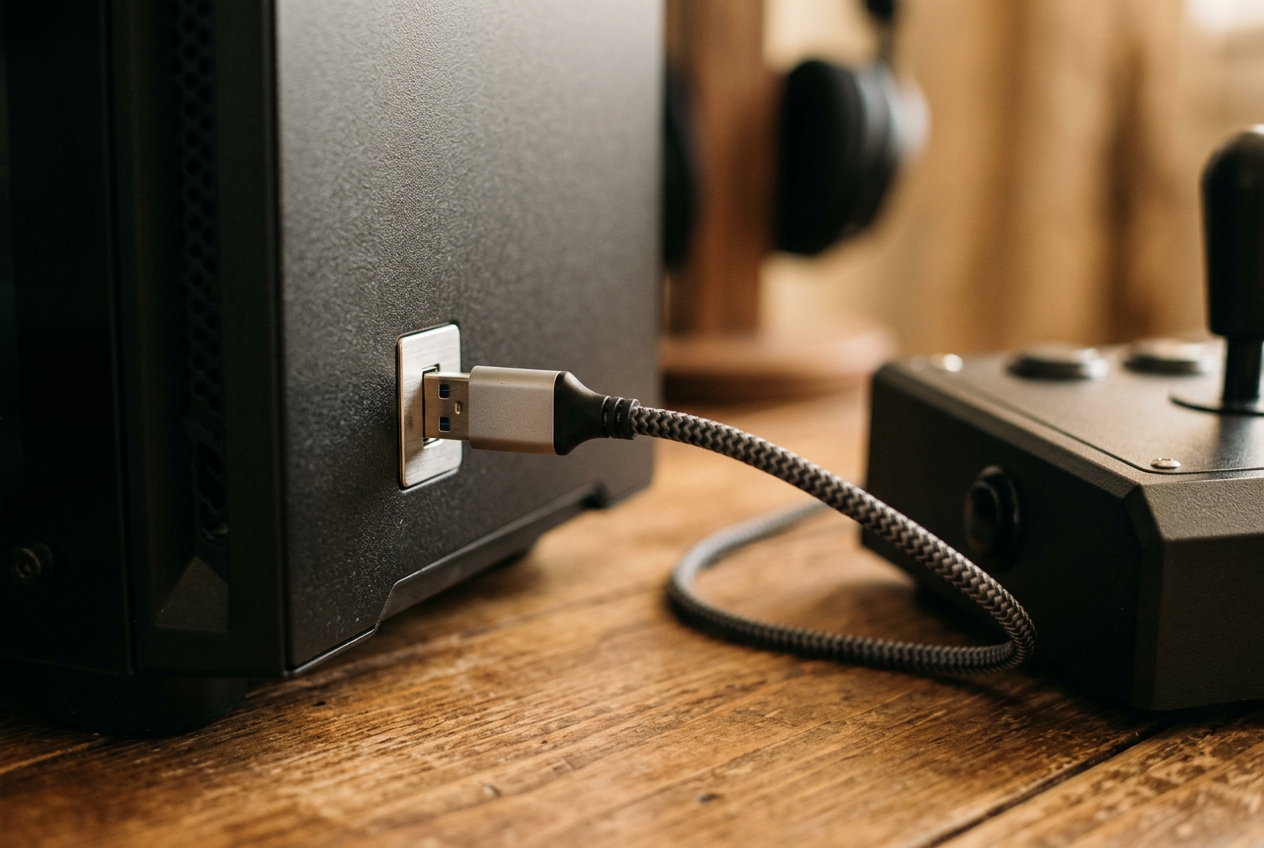
The most actionable single change for most players is switching from Bluetooth to a wired or USB-dongle connection when low latency matters. Bluetooth's connection-interval architecture was designed for audio and data efficiency, not real-time input. Even modern Bluetooth 5 implementations often poll at rates well below what a mid-range wired controller delivers. The difference in reported polling rate between a wired and wireless connection is usually immediate and obvious the first time you run the diagnostic.
Why Arcade Hardware Got This Right Decades Ago
Dedicated arcade hardware sidestepped the polling problem almost entirely by designing input scanning directly into the game's main processing loop. There was no separate polling interval. The CPU read the joystick state on every frame as a native part of the game logic, meaning the input rate was architecturally tied to the refresh rate rather than an independent, potentially mismatched timer. The joystick wiring on a classic cabinet is not complicated. The elegance was in not needing it to be.
That tight coupling between input sampling and frame execution is part of why classic arcade games feel so immediate to players who grew up on them. It is also why fighting-game communities have spent years chasing USB polling-rate improvements on modern fight sticks. They are trying to recover a responsiveness that was baked into the original hardware's design philosophy, now buried under layers of middleware that the original engineers never had to think about.
As PC gaming moves toward higher refresh rates and competitive latency budgets measured in fractions of a millisecond for mice, the joystick and gamepad market is starting to face the same reckoning. The reviews that begin reporting polling rates will likely trigger the same spec-sheet arms race that transformed the mouse market. That transformation happened because one reviewer ran the test and printed the number. Someone will do it for controllers. The silence has a limited lifespan.
Sources

Marguerite Osei is a house writer for GamesUnlimited covering classic arcade cabinets, pinball, and the hardware that keeps them running. She spent two decades repairing machines in family arcades before she started writing about them. Her reviews weigh how a game plays against how well it holds up to a thousand quarters.