A missed movement input can spend more than a fraction of a second. It can cost a turn, a safe position, or the timing of a follow-up action. But “keyboard repeat rate” is only one possible cause, and it does not mean the same thing as a game recognizing that a key is being held. Windows routes keyboard events through several layers before they reach an application. A useful diagnosis follows that route before changing settings.
Movement starts in the input stack
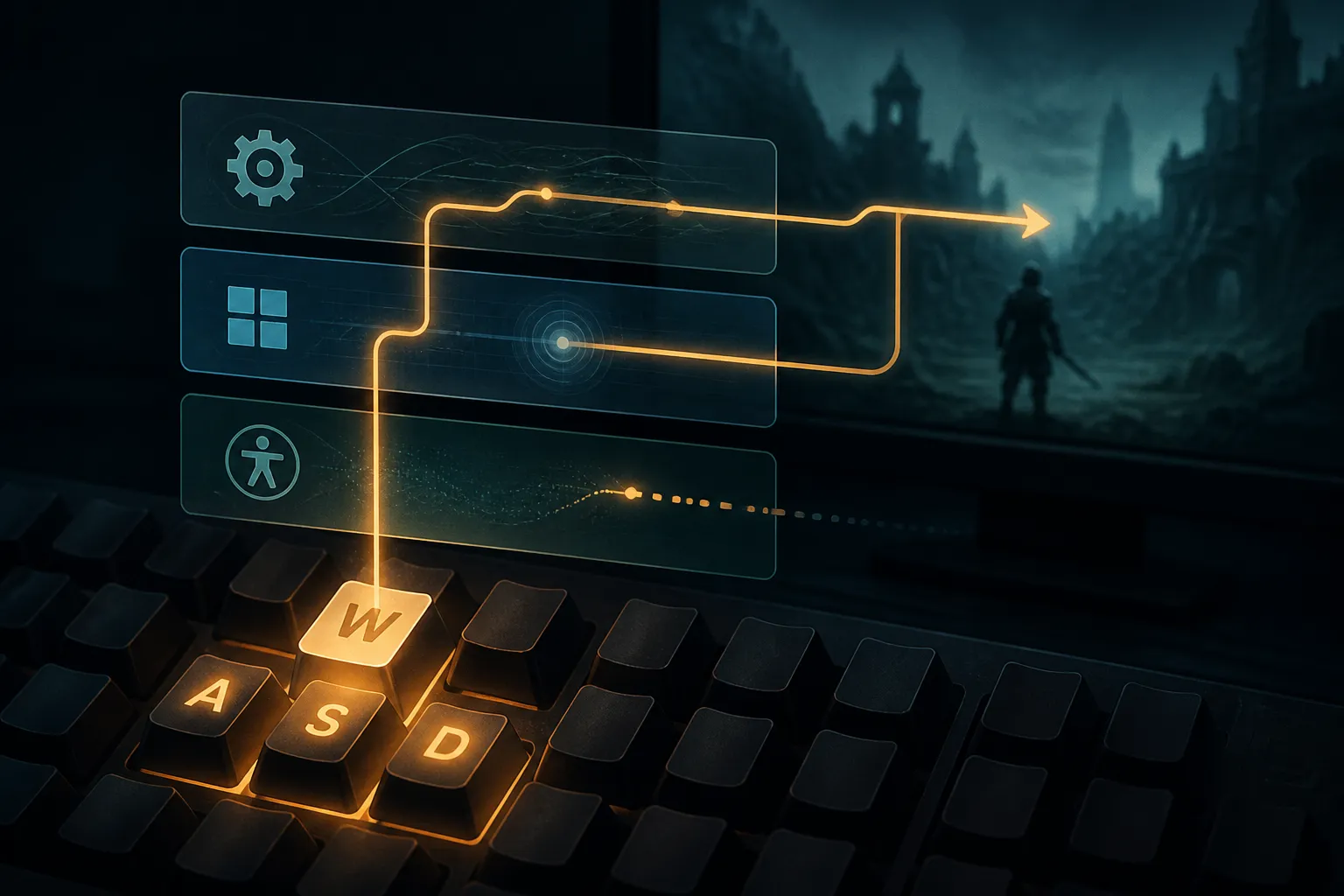
On Windows, keyboard messages go to the message queue of the foreground thread whose window has keyboard focus. A physical keypress generates a scan code on the way down and another on release. The keyboard driver and layout translate those device-dependent codes into virtual-key codes and messages the application can use. That is a chain, not a direct wire from key to character, as Microsoft’s keyboard input overview explains.
Focus is part of the chain too. When a window loses focus, Windows sends it WM_KILLFOCUS; the window gaining focus receives WM_SETFOCUS. If a player alt-tabs during a round, the game may stop receiving input because it no longer owns focus. That is different from a key being too slow to repeat, even if both problems look like a character failing to move.
For a game, the practical question is what it does with the events it receives. A title may react to a press, track a held key, or apply its own smoothing or repeat delay. The available reports mention those possibilities, but do not compare game engines or establish a common rule. The Windows Control Panel repeat setting is therefore one variable in the path, not a universal movement-speed control.
A missed press has a real opportunity cost
Consider a player holding one direction while tapping another. If the second key never registers, the player loses the adjustment they intended to make. In a strategy game, that might mean a unit does not take the expected route. In a simulation, it could mean a correction arrives late. Those are examples of the consequence, not measured results from the reports. The common cost is that the player’s planned sequence and the game’s received sequence diverge.
A Windows laptop user described holding one key while double-pressing another and having the second press fail, with missed movement in a game as the result. The report does not prove the keyboard’s matrix was the cause. It does show why simultaneous inputs deserve a separate test from ordinary typing. A key that works alone may still fail in a combination.
Repeat timing adds another source of confusion. Filter Keys can delay or ignore repeated keystrokes, according to advice in the Microsoft Q&A discussion. Sticky Keys and Filter Keys are accessibility settings, while a game may also apply input smoothing or its own repeat delay. If movement feels intermittent, changing repeat rate before checking these layers can obscure the cause.
Two checkpoints before changing the setup
The first checkpoint is a simple combination test. Open Notepad, hold W, then alternate taps on A and D. If those letters go missing there too, the issue is not confined to the game. Try another keyboard, including a USB or Bluetooth model if available. If the same combination works on another device, the original keyboard becomes a stronger suspect, though that test alone does not identify the exact hardware limitation.
The second checkpoint is configuration. Check Accessibility > Keyboard for Sticky Keys and Filter Keys. Then compare the Control Panel keyboard Repeat delay and Repeat rate settings. Community advice in the report suggests a shorter delay and faster rate, but the sources provide no millisecond values or exact slider ranges. Treat the adjustment as a controlled test: change one setting, repeat the same key combination, and note whether the result changes.
Where the movement signal can go astray
If the keyboard passes the Notepad test, inspect the game’s own input options. Raw Input or Direct Input may be offered, and input smoothing may be adjustable. These options can help locate a problem in the application’s handling, but the cited material does not prescribe one mode as better. A useful comparison is to keep the same keyboard and movement sequence, change only one game setting, and test again.
There is also a report of an application treating S as if it were repeating while a low-level keyboard monitor saw a single event. The user said restarting and then stopping a WH_KEYBOARD_LL hook appeared to restore normal behavior, while acknowledging the timing could be coincidence. This is evidence of an unusual report, not a confirmed Windows fault or a reliable fix. If a lower-level monitor and the application appear to disagree, the fault may sit somewhere in the input stack rather than in the physical key, but this report does not settle why.
That distinction matters for troubleshooting costs. Replacing a keyboard will not necessarily correct a focus change or an application-level handling issue. Changing a game’s input mode will not repair a key combination that already drops in Notepad. Test at the lowest-cost checkpoint first, then move up the chain.
What the evidence can and cannot say
The available evidence is Windows-focused. It does not establish how browser games handle held keys or repeat events, whether browser play follows the same Control Panel settings, or how particular genres respond to repeat timing. It also gives no measured settings that can be recommended as a precise target. Players should not assume that a faster repeat rate makes a character move faster. The game may use held-key state or its own timing rules, and these sources do not document those implementations.
The practical verdict is narrower and more useful: repeat settings can affect what Windows delivers, but movement failures can also begin with hardware combinations, focus, accessibility features, or game-side handling. A repeat-rate change is worth testing when repeated input is the suspected failure. It is not a substitute for checking whether the intended key event arrived at all.
Recap: trace the input, then judge the cost

When a movement command goes missing, start with a repeatable sequence and keep the test conditions steady. A result that follows the keyboard points toward the device. A result limited to one game points higher in the stack. That diagnosis turns a vague feeling of sluggish movement into a specific question about which input arrived, where it stopped, and what action the game consequently failed to take.
Sources
- Keyboard Input Overview - Win32 apps | Microsoft Learn
- Keyboard issue on windows laptop, Double press while holding down a key not registering - Microsoft Q&A
- Windows 11 keyboard input occasionally becomes corrupted, but a low-level keyboard hook appears to "reset" it - Microsoft Q&A

Jonah Bell is a house writer for GamesUnlimited who covers strategy games, simulation design, and player economies. He follows systems from tutorial to endgame, testing how patches reshape the choices players make.