The run is clean. The last target drops, the counter freezes, and the PC gives you the number you came for. Then a small question appears: sign in to submit. Your hands are still on the controls. The session is still open. But the score has reached a fork.
The invisible wall between playing and mattering
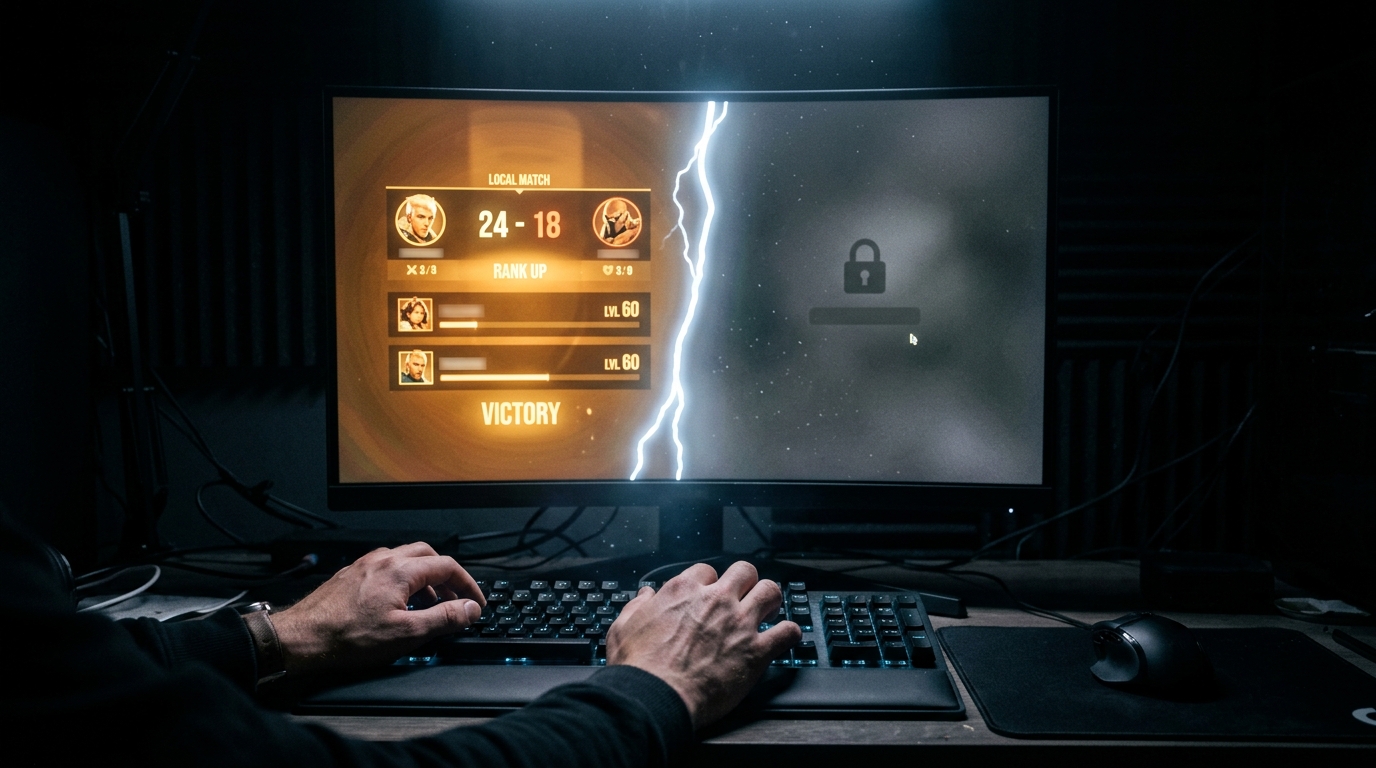
A guest run can feel complete because, inside the game, it is. You played the round, earned the points, and saw a result screen. Yet that screen only proves the game recorded something for the current session. It does not prove that a remote leaderboard received it, accepted it, or attached it to an identity you can find tomorrow.
That distinction is easy to miss in the flow of play. A game may keep a personal best on the same PC, or it may hold a result temporarily while waiting for a connection. Another title may require an account before it will submit anything. Guest behavior varies by game and platform, so the fact that you can play is not the same as the fact that your score will persist.
The question that matters is not whether the number appears on your screen. It is whether the number appears on the board, attached to your name, after you close the client. Those are different records, and only one of them survives the session.
A sign-in gives the score an address
When a player signs in, the platform has an account to associate with an eligible submission. The game or platform can then send a result along with account and session information, apply its own rules, and place that result on a leaderboard. The exact steps differ by service. A visible sign-in prompt is a useful first check, not a promise that every score will be accepted.
That identity matters for basic housekeeping as much as competition. It lets a service show which entries belong to you, maintain a history, and distinguish one player's result from another's. A guest result has no dependable account destination. Some games may save local progress without one, but a local save and a public ranking are different records.
A GitHub issue filed against an open-source score-tracking project captures the design question plainly: the developer asked whether logged-out games should appear on leaderboards at all, or only prompt the player to sign in. In that project's existing state, logged-out sessions appeared under an anonymous label, and a single player could fill every row with separate scores. The question of whether to rank players or individual scores, and whether guest results count at all, is one each platform answers differently. Knowing which answer applies to the game you are playing is your job before the run starts.
An account is not an anti-cheat certificate, either. Platforms may use checks beyond authentication, and a score can still fail review or violate event rules. A login identifies the player submitting a result; it does not automatically establish that the run was valid. Treat the submission as a process with separate gates: identity, eligibility, and acceptance.
Leaderboards make time part of the score
A number on a results screen belongs to one moment. A leaderboard gives that number a place among other attempts, and a tournament gives it a deadline. AtGames Leagues Leaderboards describes itself as a high-score and event destination for connected Legends arcade products. Its page lists active and upcoming events, schedules, and player rankings. The service's leaderboard page shows what a connected record can become: more than a personal best, it can be an entry in a live competition with a specific open window.
For a guest, that wider context may not be available. You can still enjoy the run, but a local display will not necessarily appear in event standings or historical records. The loss is not only bragging rights. It is the chance to compare attempts over time, see your position, and return for another round while the same event is still open. Event schedules are real constraints, not decorative dates, so check them before the first attempt rather than after the personal best.
The submission process for connected hardware like the Legends Flashback, as described on the AtGames leaderboard page, involves pressing a menu button after the high score, selecting a save option, scanning a QR code, signing in to the linked service, and entering a verification code before a confirmation message appears. That sequence illustrates how many steps sit between a local result and a confirmed board entry. Miss one and the score stays local.
PC sign-in is its own checkpoint
Moving between devices can make the account question less obvious. A player may already have a profile on a console or phone and assume the PC version will use it automatically. Sometimes accounts link across versions. Sometimes the game, platform, or leaderboard keeps separate records. The title being the same does not guarantee that the ranking system is shared.
Google Play Games has a PC offering for Windows 10 and 11, and its Wikipedia entry notes that a Google Account is required to use most of its features, including leaderboards and gamer profiles. The user profile syncs across PC and mobile versions of the service. But a synced profile is only useful if the specific PC game and competition recognize it. Check the game's own sign-in state and the platform attached to the leaderboard before assuming a mobile account carries over.
Input flow gives you another clue. If the game pauses on a prompt, returns to a menu, or changes the interface after sign-in, take a few seconds to confirm the state before beginning a record attempt. On a keyboard, that may mean checking the account icon with a mouse click. On a controller, it may mean backing out once and verifying the profile in the menu. Better to spend a quiet moment at the start than to discover a missing submission after a tight final turn.
Before you chase the number
Make the boring checks part of the warm-up. Sign in before the run, then look for a clear indication that the game or platform recognizes the account. Confirm that the mode counts toward the leaderboard you care about, and check whether the event is currently open. If the rules require a replay, screenshot, or another proof of play, learn that before the score screen appears.
After the run, wait for a submission or confirmation message if the game provides one. Reopen the standings or your score history while the session is still active. A result shown locally is not the same as a result visible online, and a failed upload may be easier to address before you close the client. The gap between those two states is usually small, but it is the gap where records disappear.
Sign-in adds friction to the first minute. It also gives the next hundred attempts a place to go. Before the next run, decide what you want: a number you remember, or an entry that follows you.
Sources
- Google Play Games - Wikipedia
- Leaderboards | AtGames
- Leaderboards - Heroic Labs Documentation
- Implement leaderboards in your game - Microsoft Game Development Kit | Microsoft Learn
- Introduction - CrazyGames Documentation
- Leaderboards • Leaderboards • Unity Docs
- Steam Leaderboards (Steamworks Documentation)
- Does a Leaderboard rank players or Scores, and do logged-out Games count? · Issue #11 · john3374/acidrain · GitHub

He is a house writer for GamesUnlimited. He covers co-op campaigns, controller design, and player rituals through reports from launch nights and living rooms.